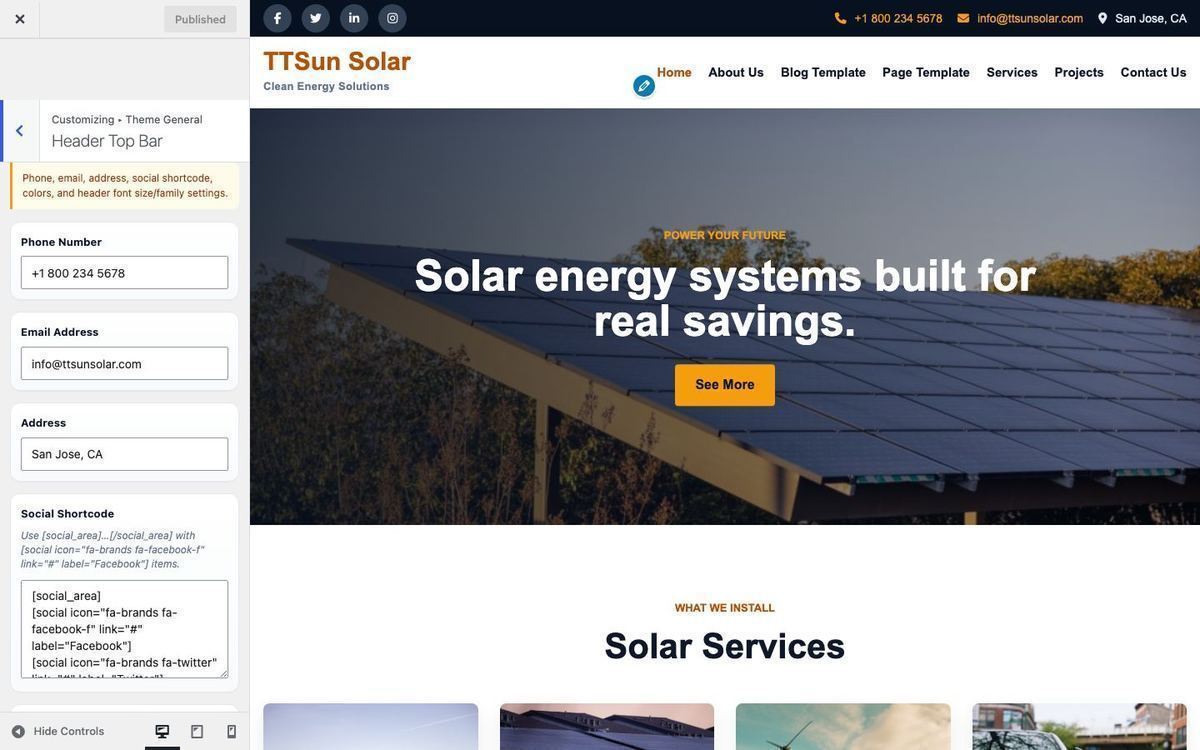
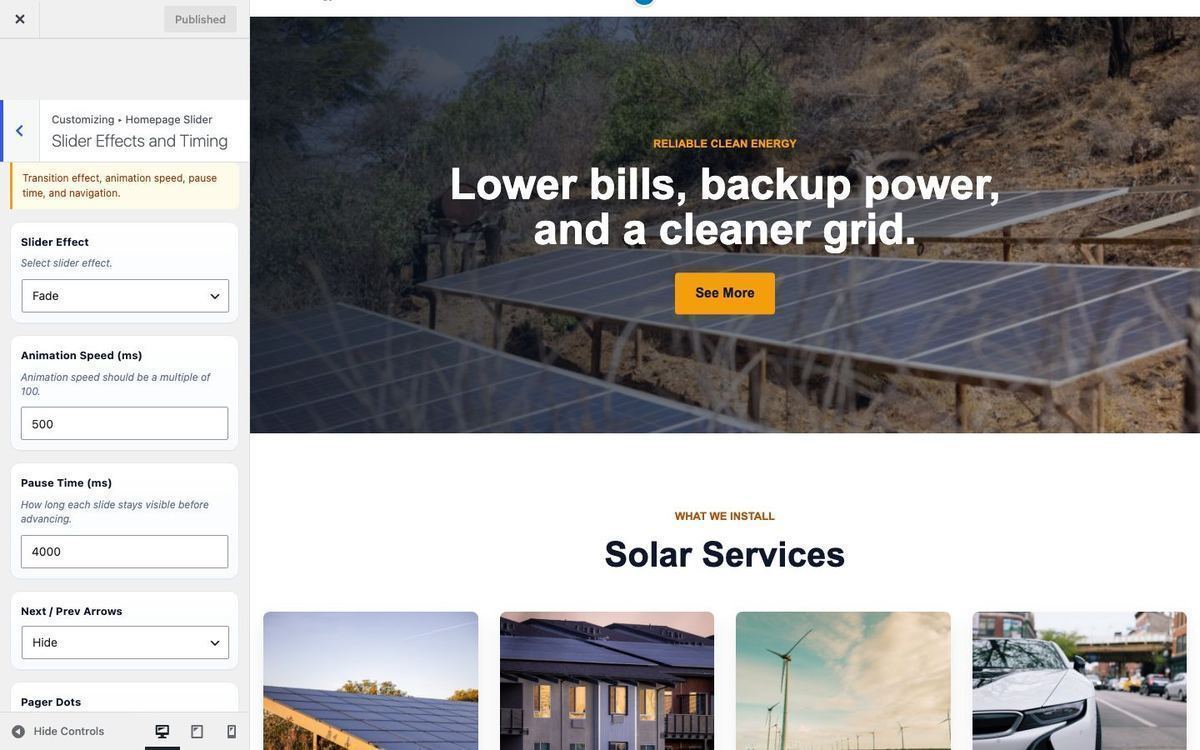
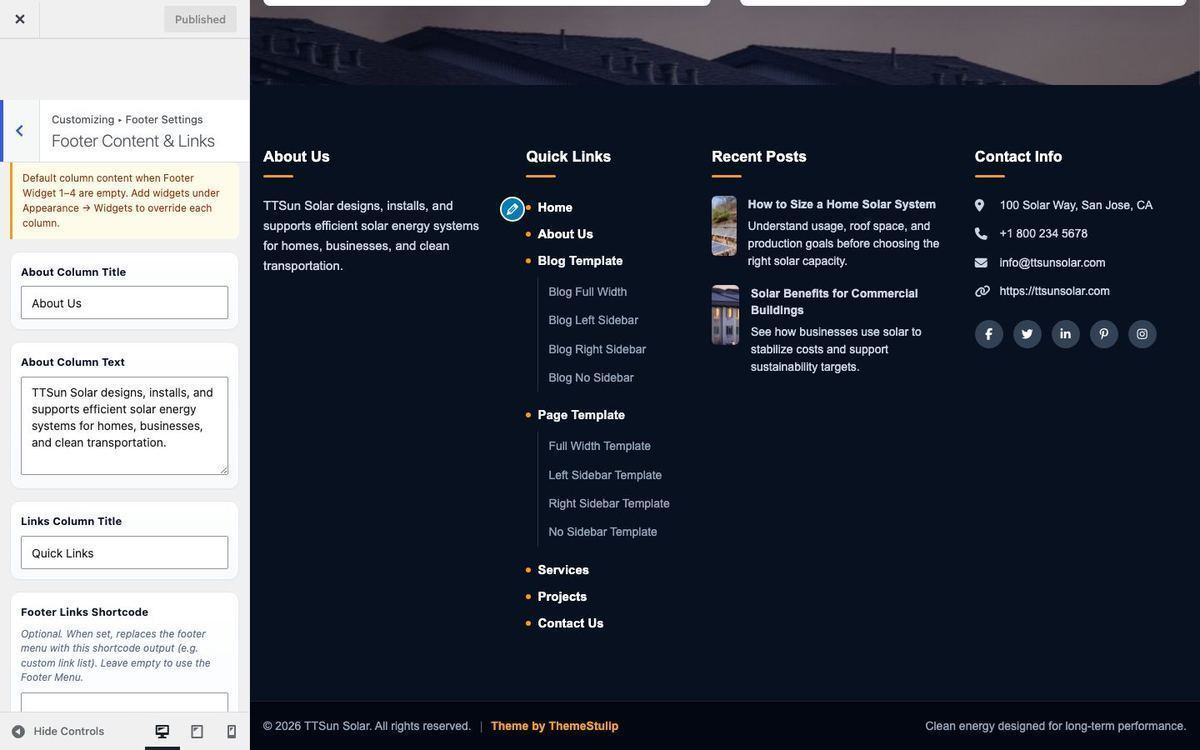
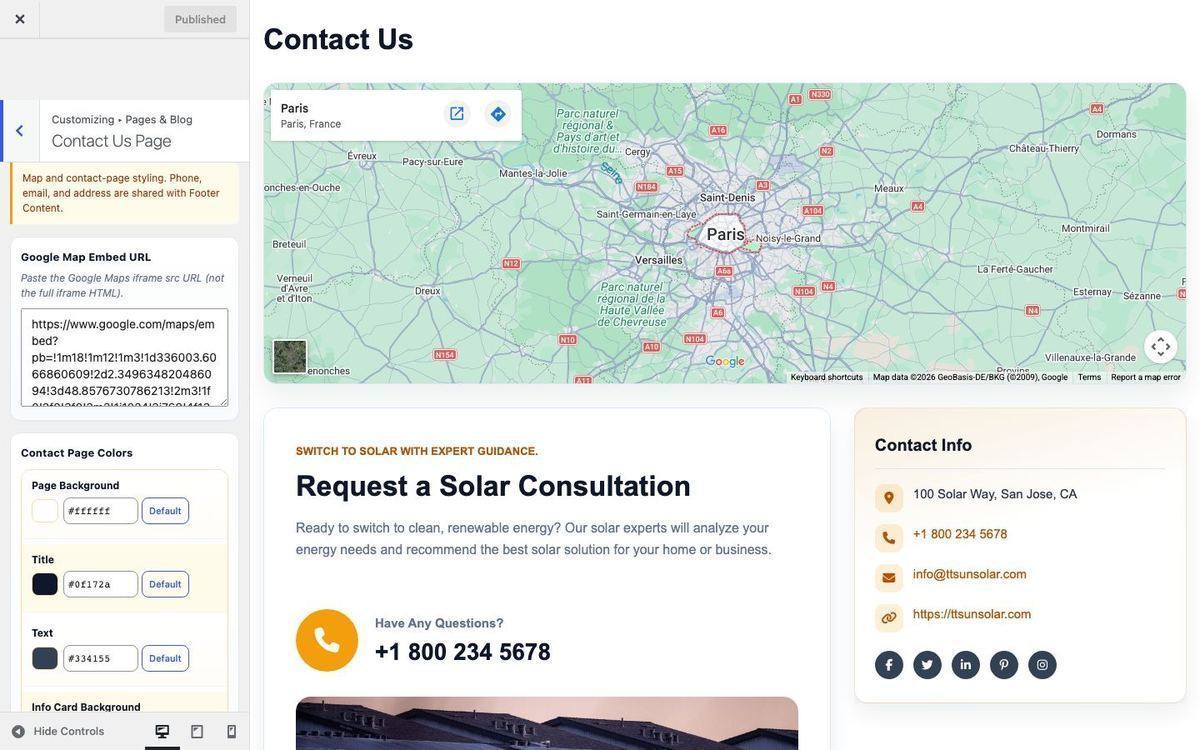
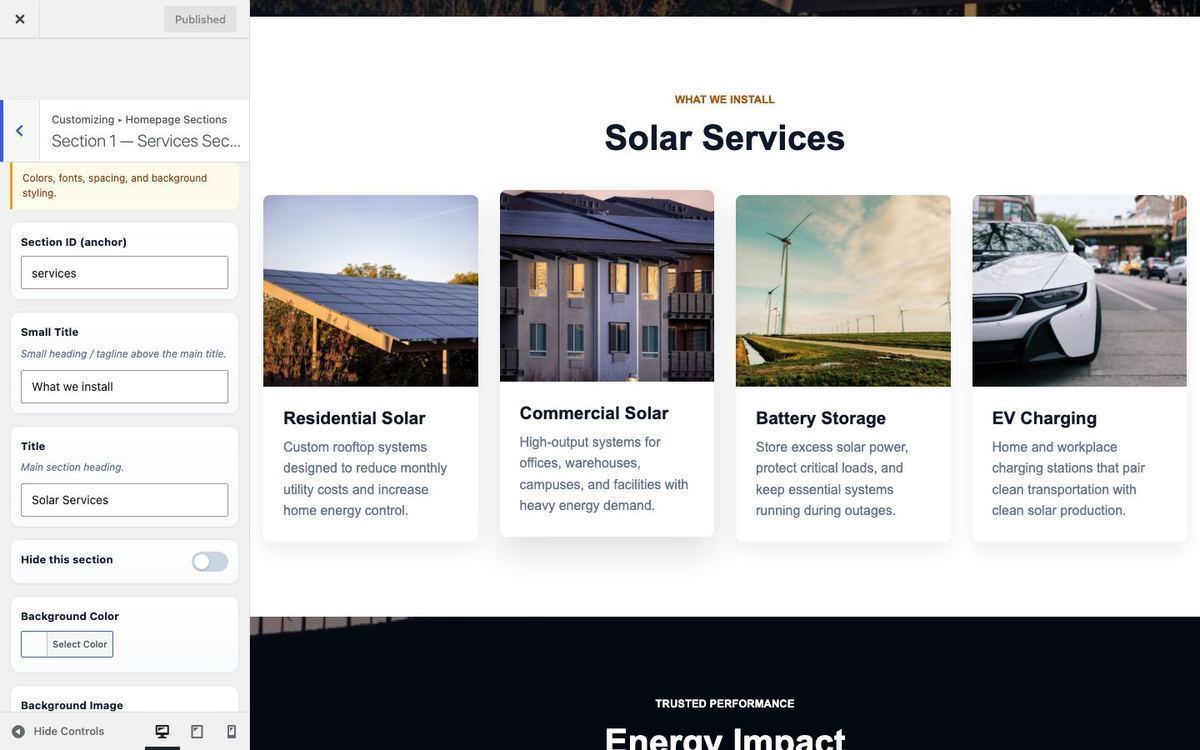
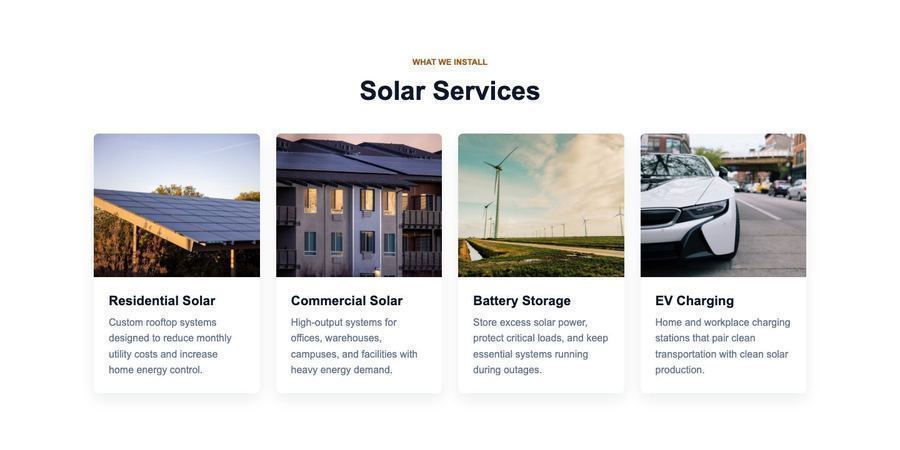
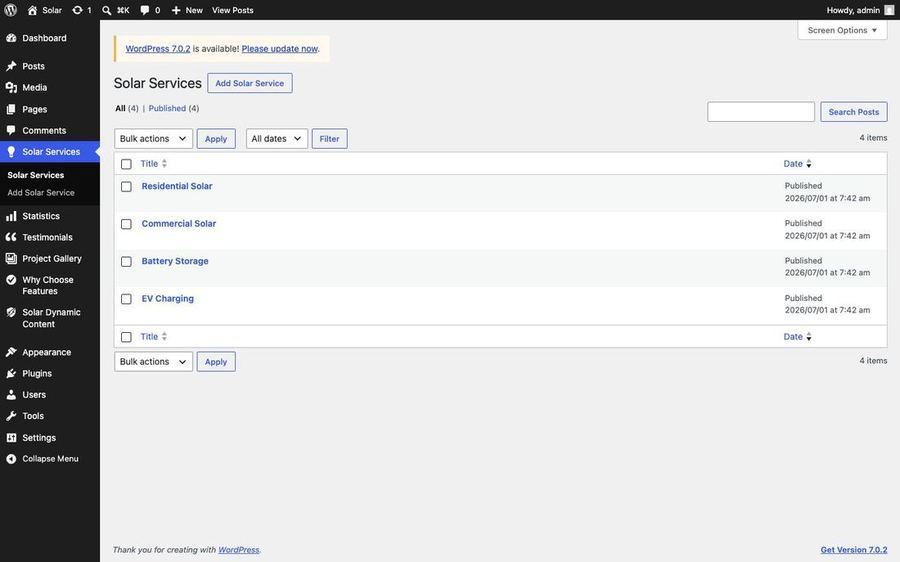
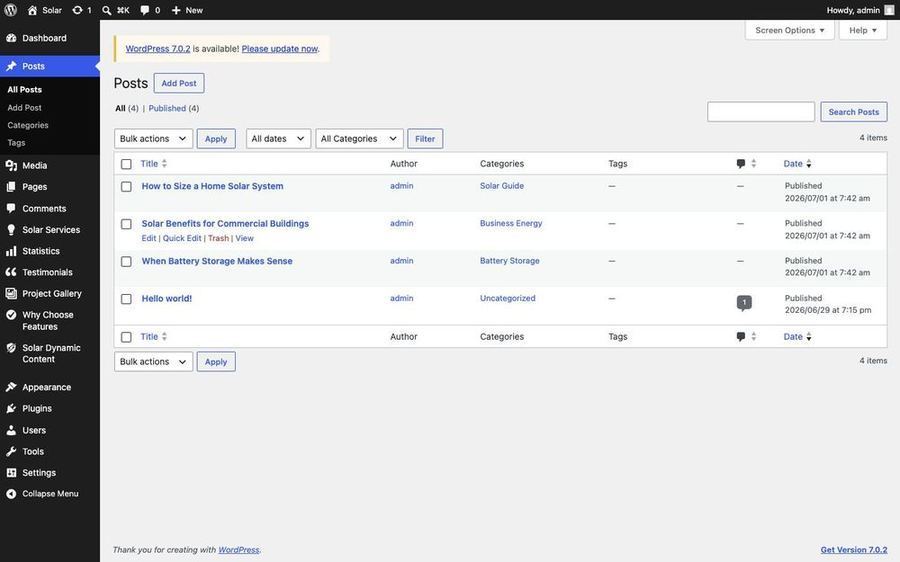
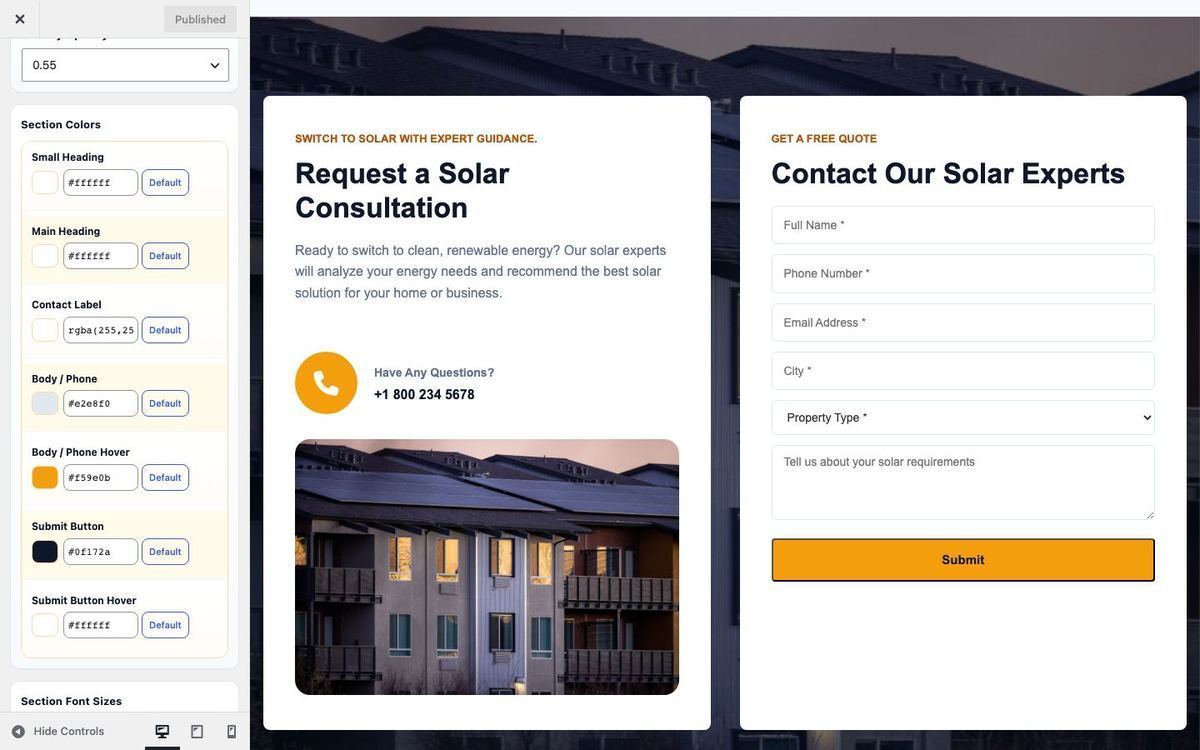
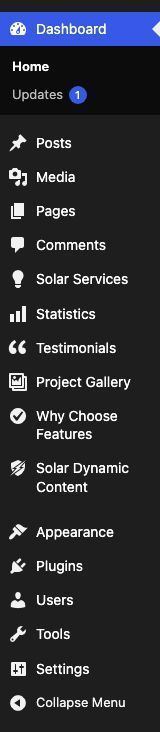
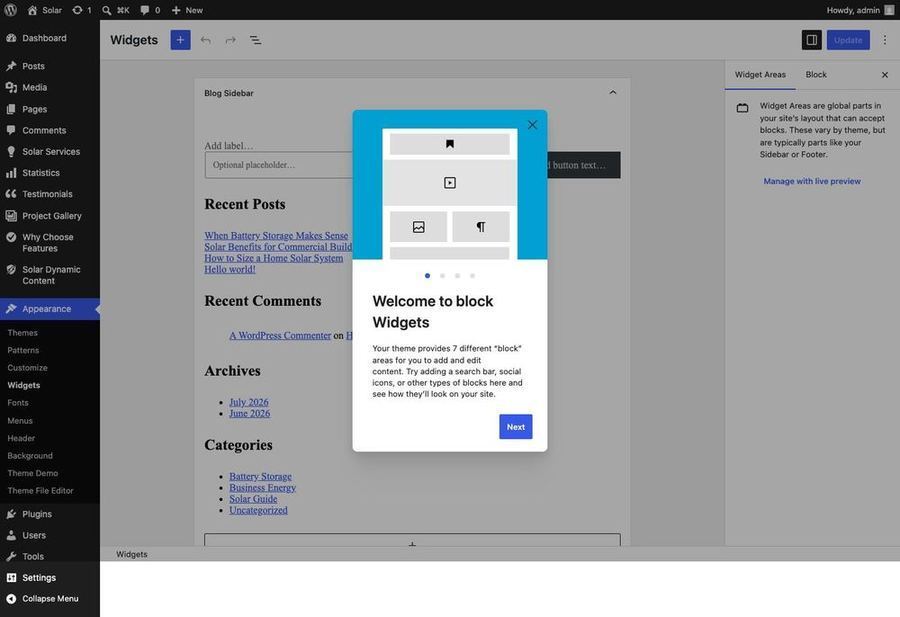
Open each post type from the left admin menu, click Add New (or edit an existing item). Enter the title and content, fill meta fields, and set a Featured Image using the sizes below.
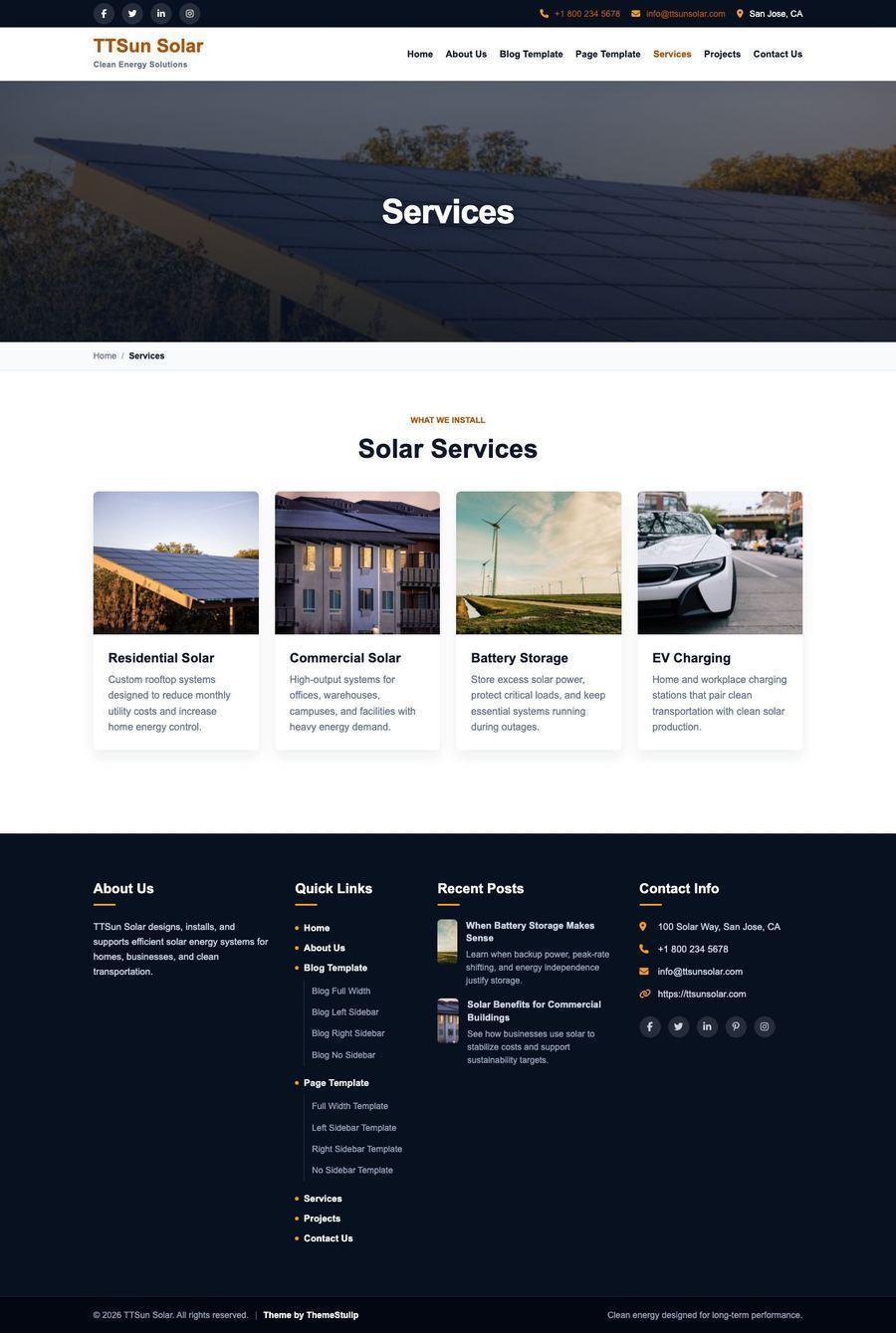
Solar Services — Featured Image 800 × 560 px
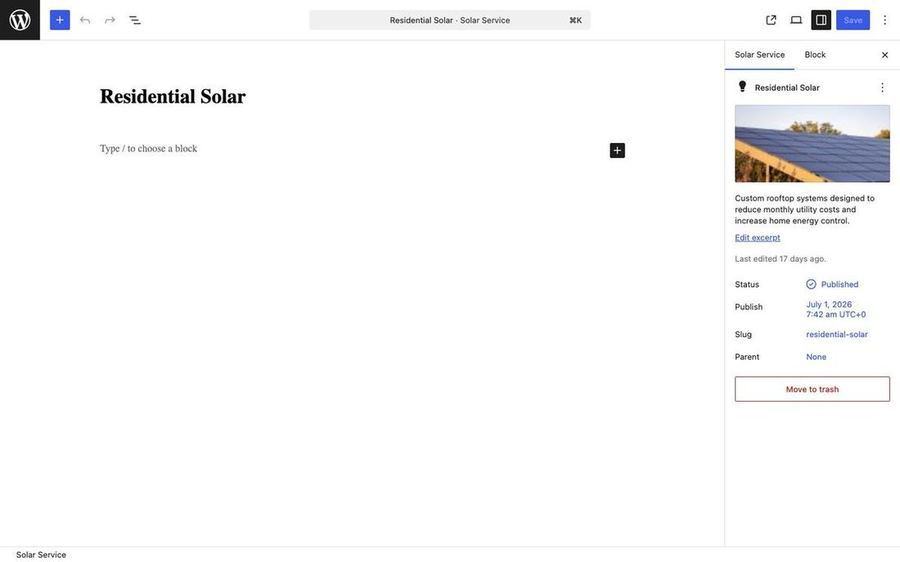
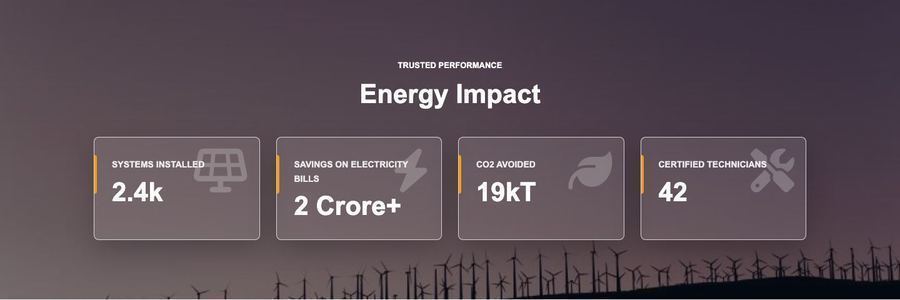
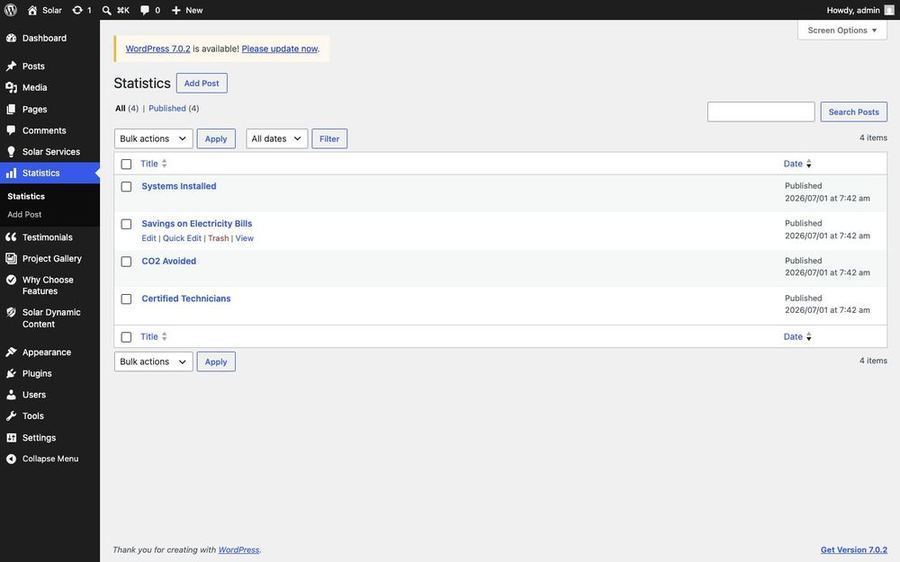
Statistics — no featured image; set a Font Awesome 6 icon class (example: fa-solid fa-bolt), counter number, and suffix in the meta box.
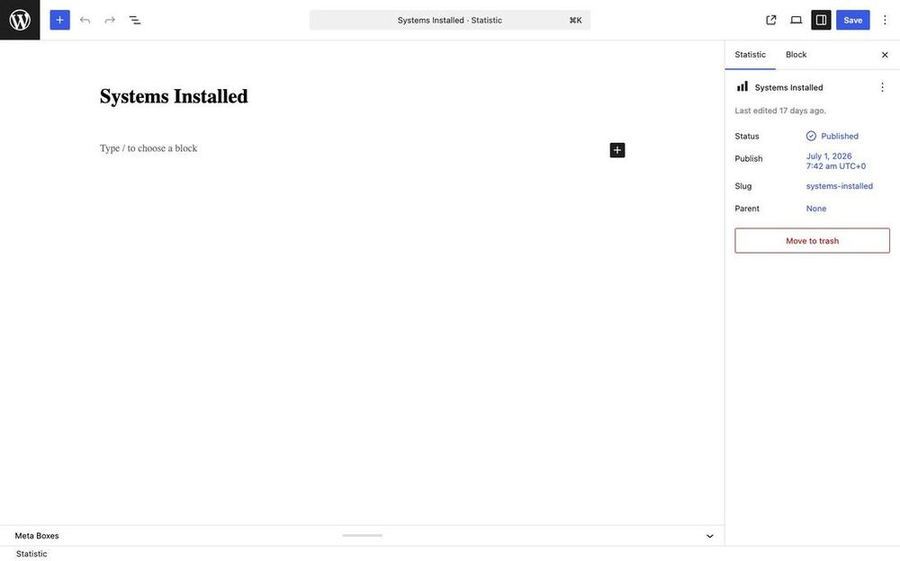
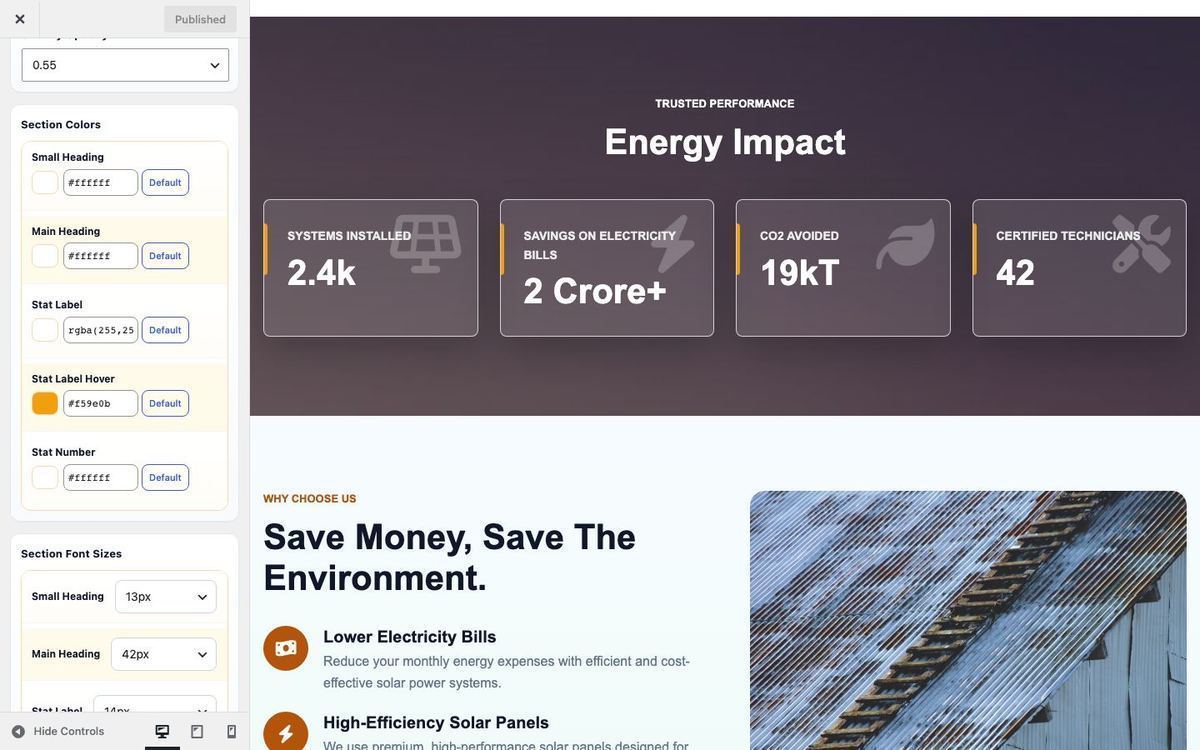
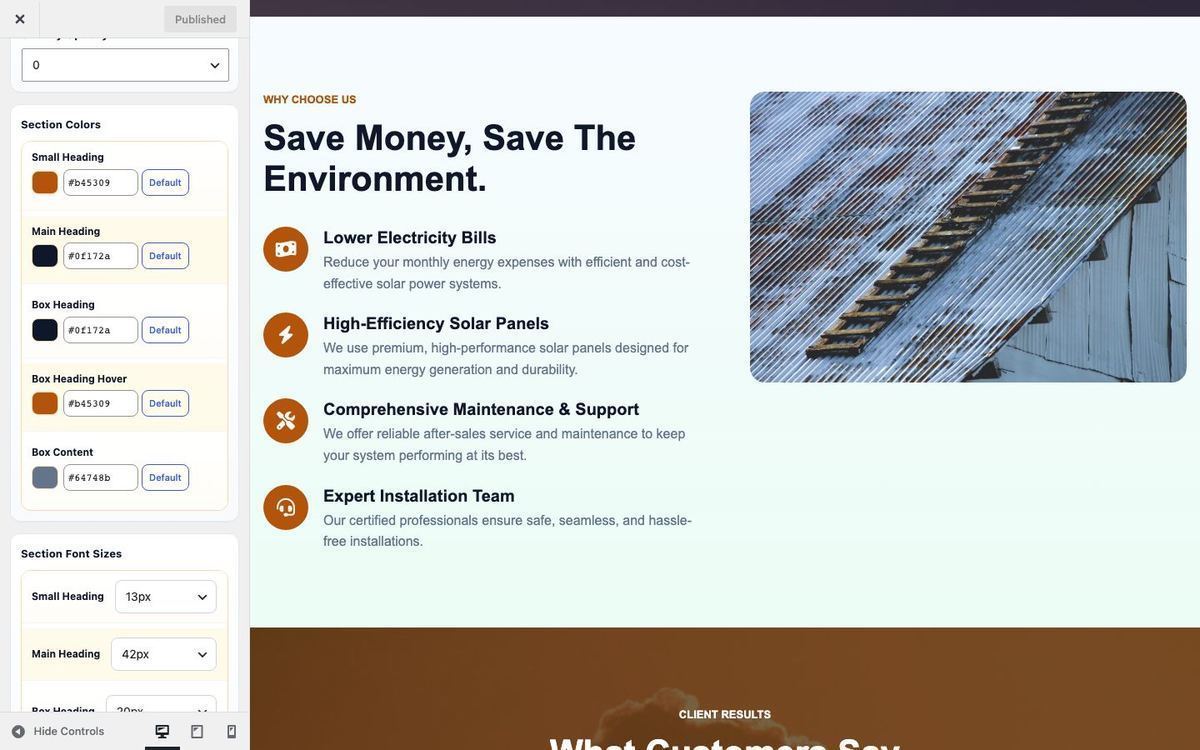
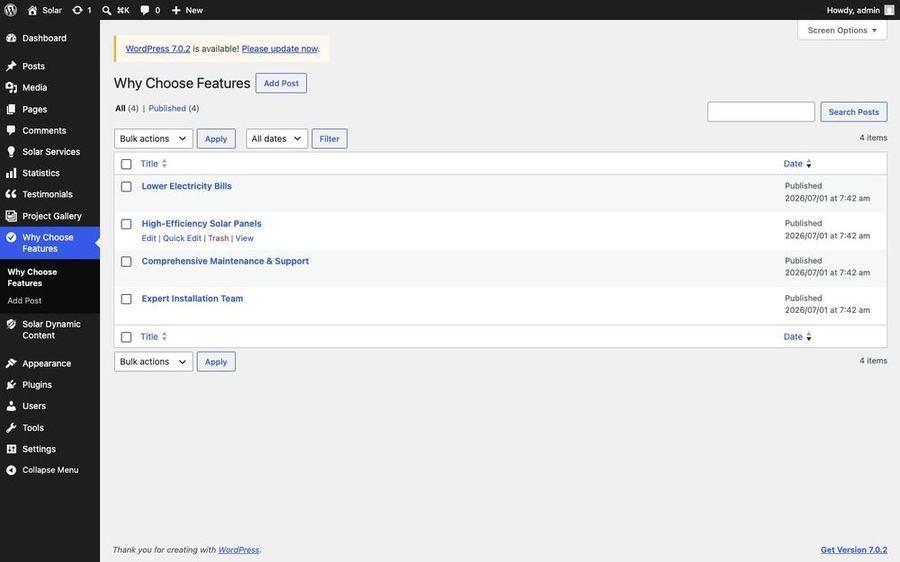
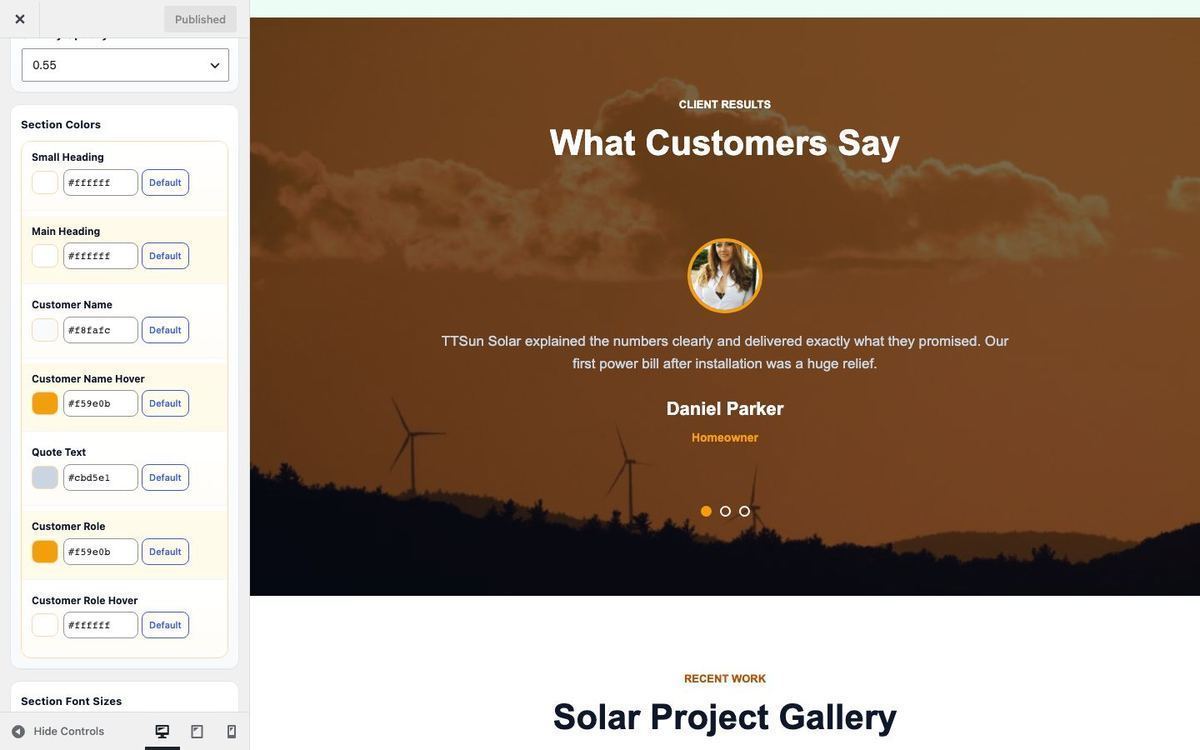
Why Choose Features — set a Font Awesome 6 icon in meta (example: fa-solid fa-leaf); side image is set in Customizer section options (recommended 720 × 900 px).
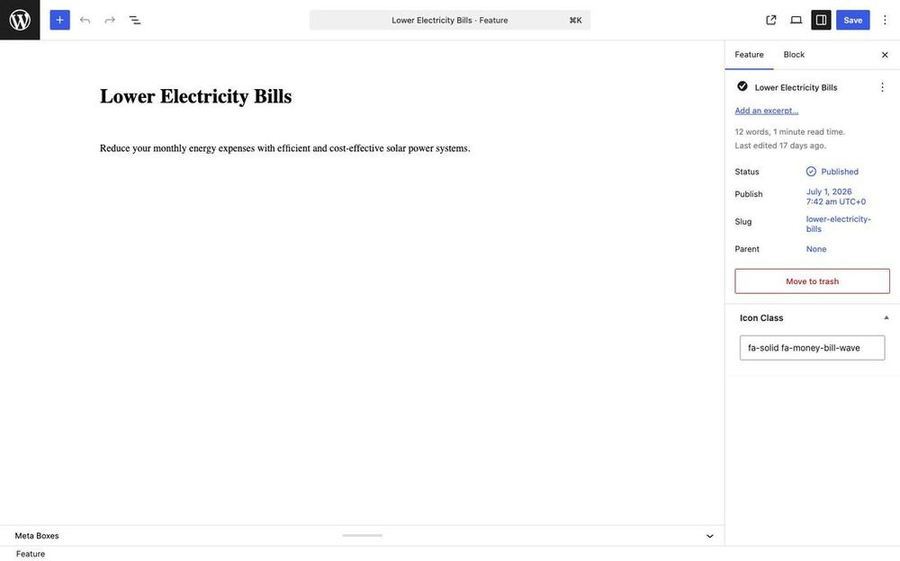
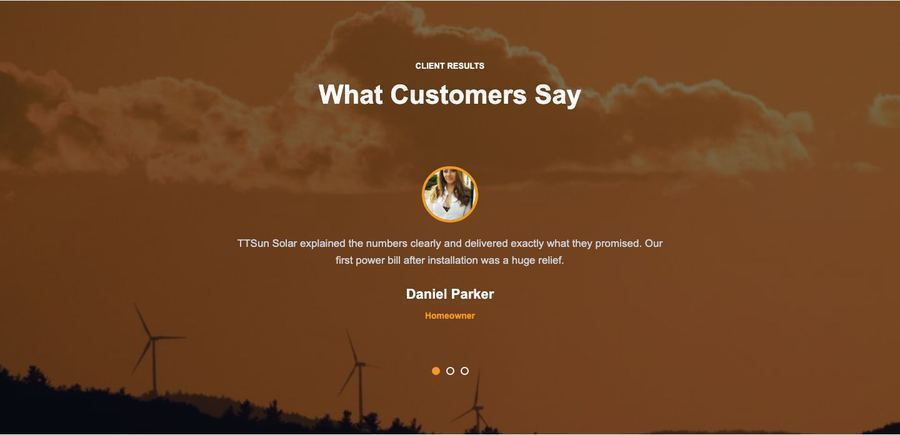
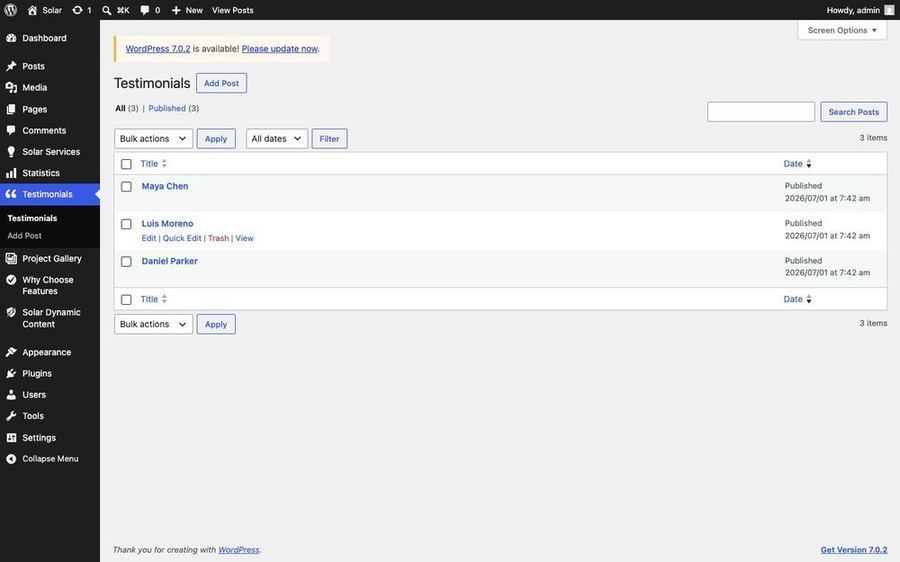
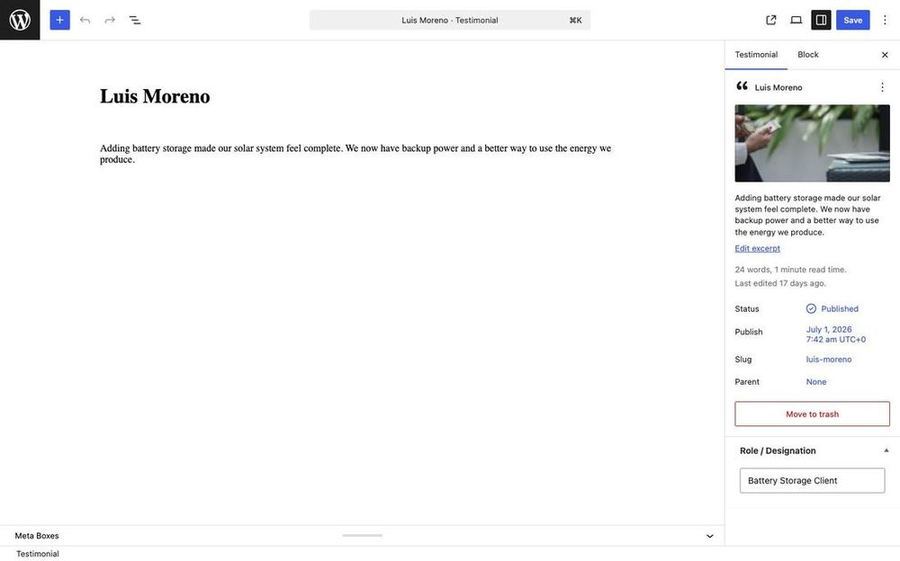
Testimonials — Featured Image (avatar) 200 × 200 px; set Position/role in meta.
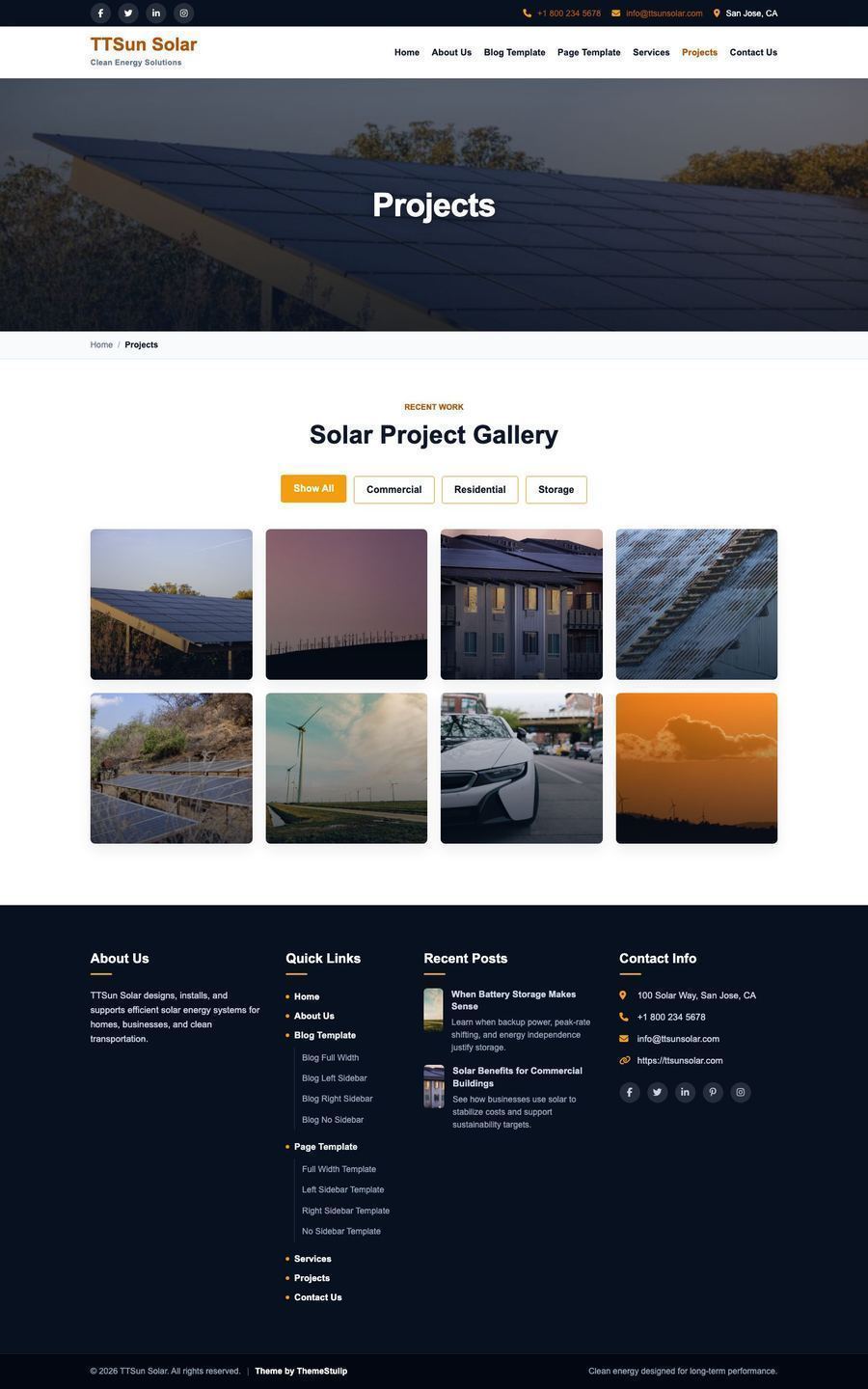
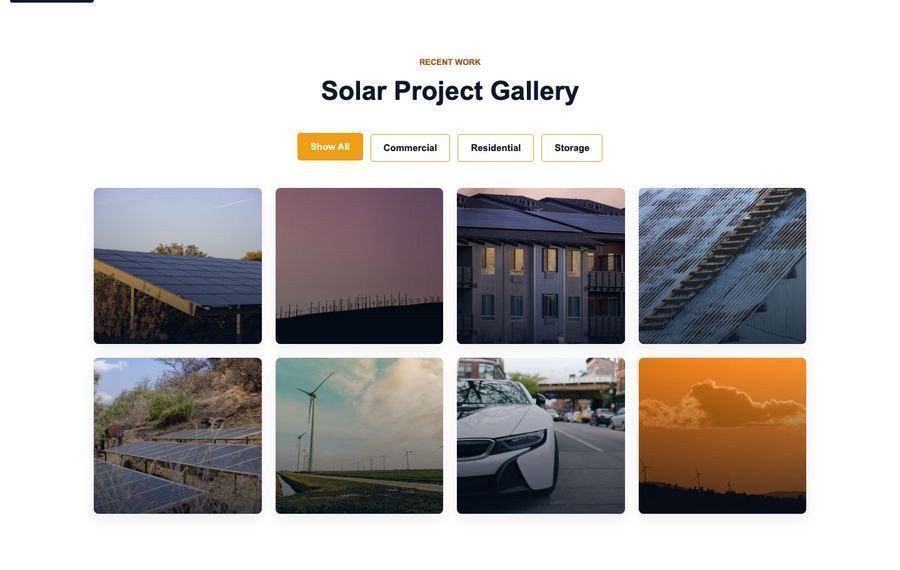
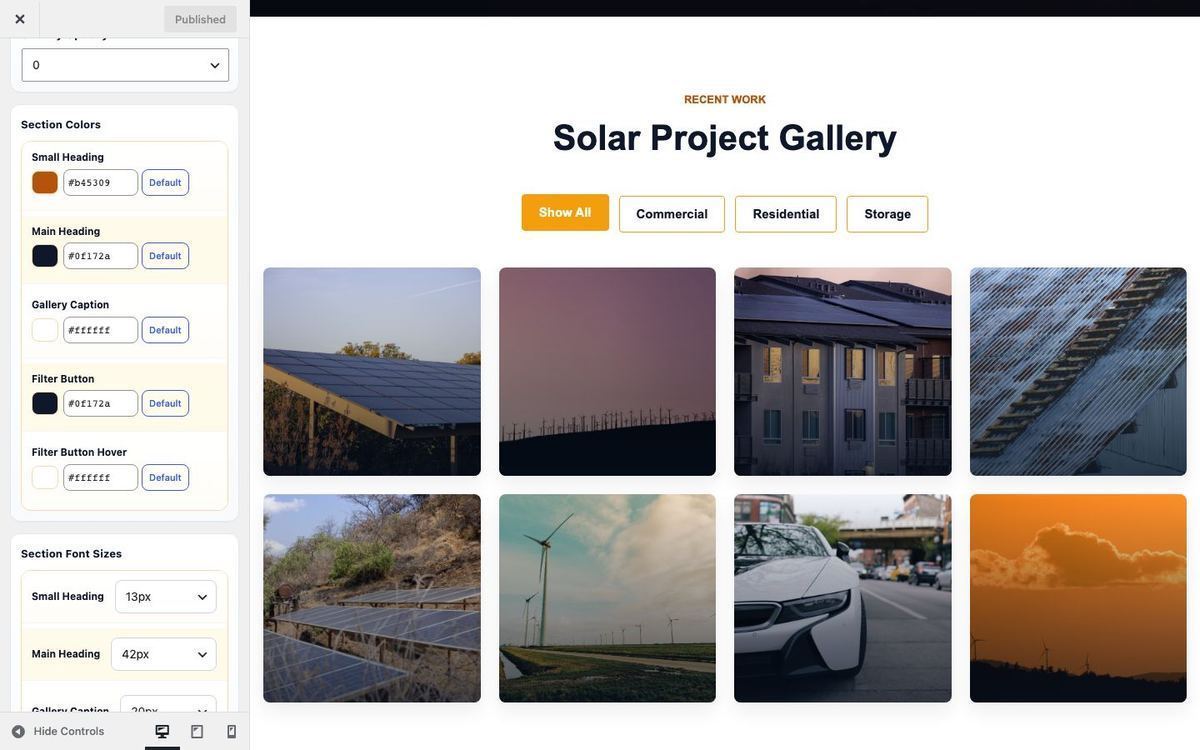
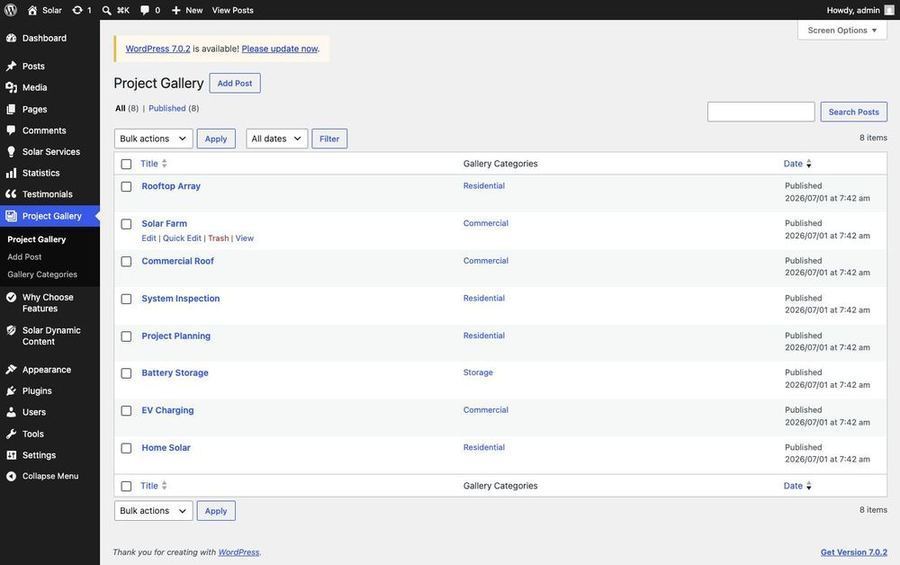
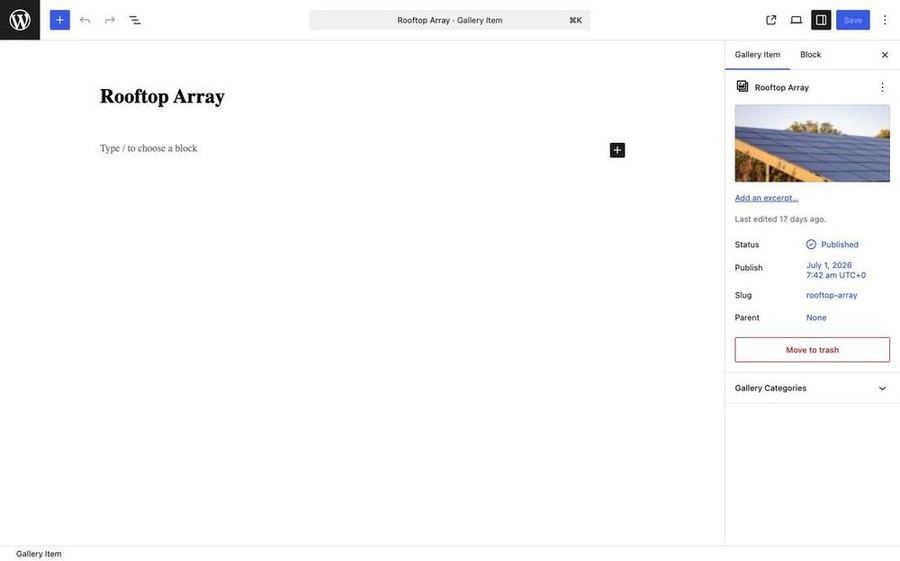
Project Gallery — Featured Image 800 × 600 px; assign gallery categories for filters.
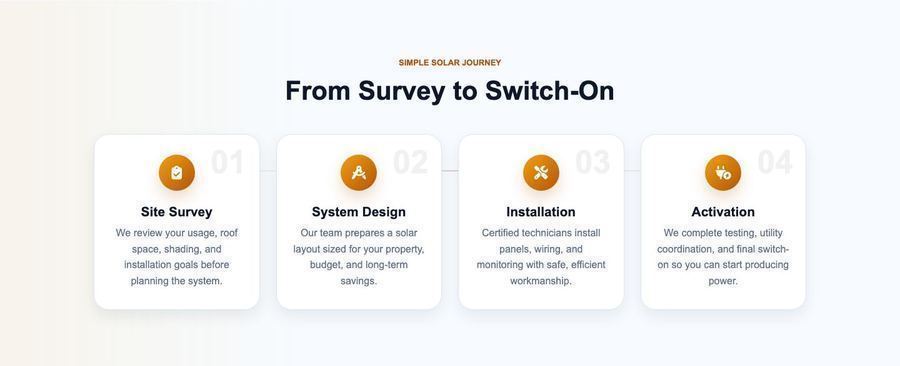
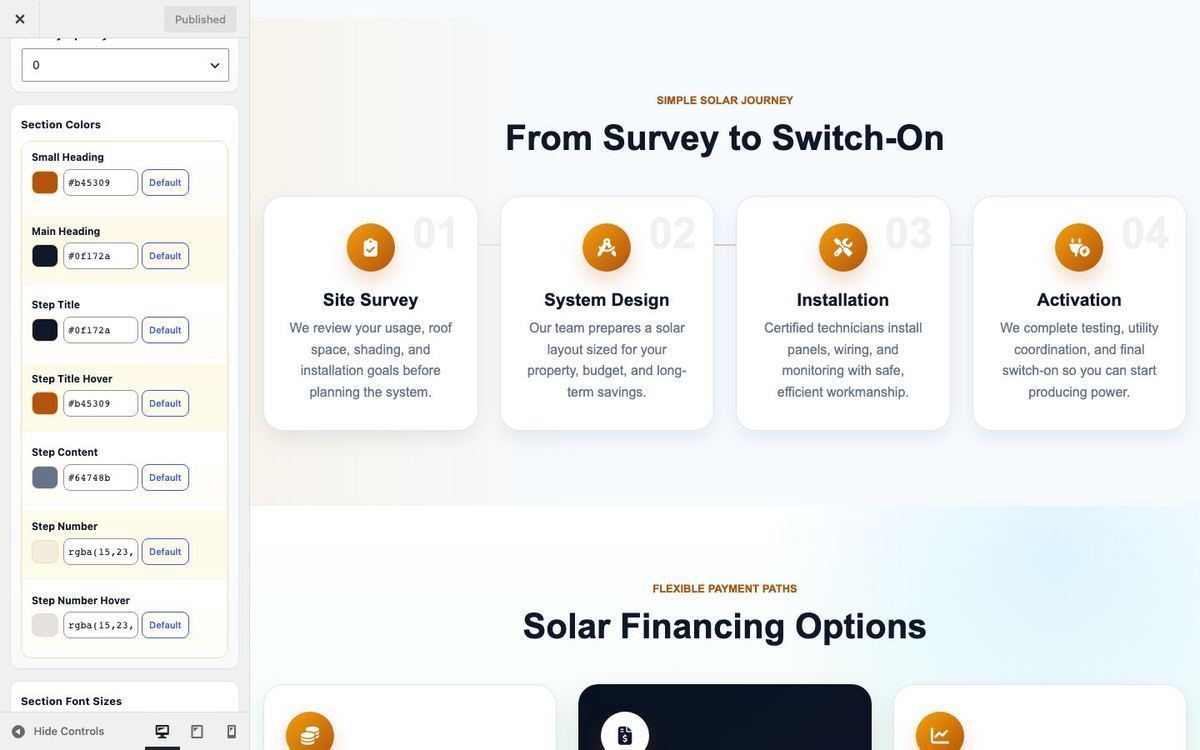
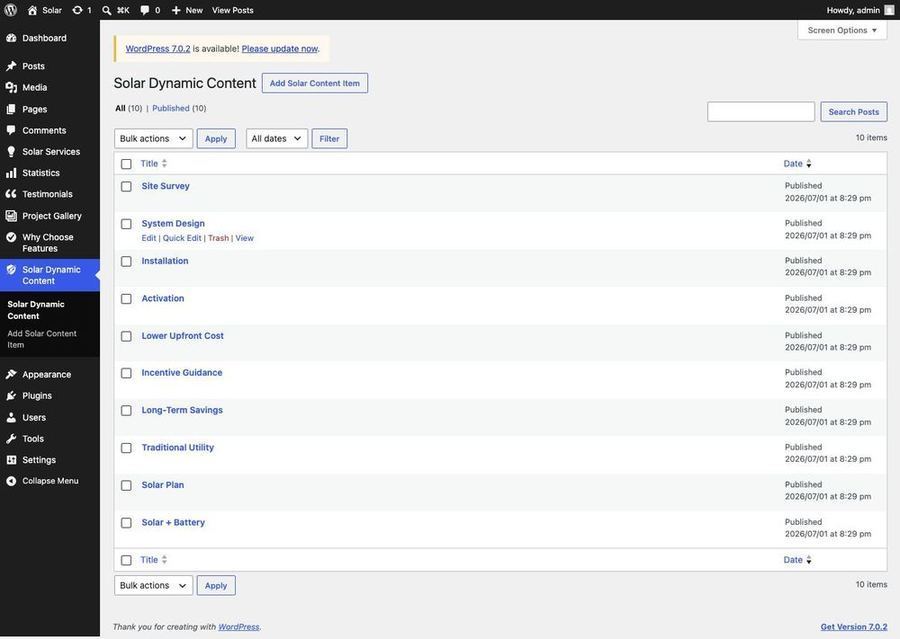
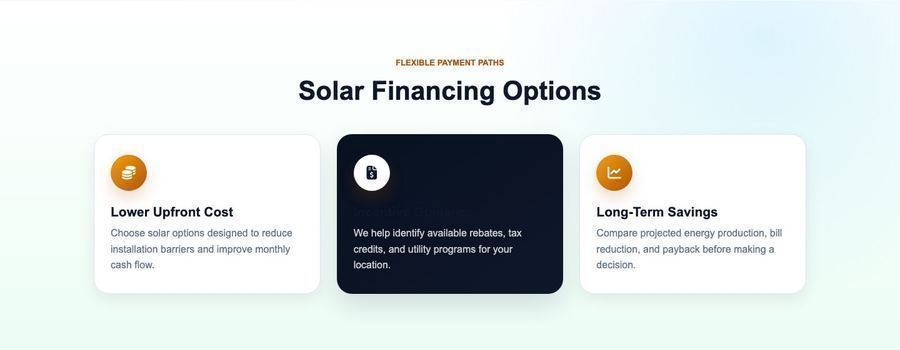
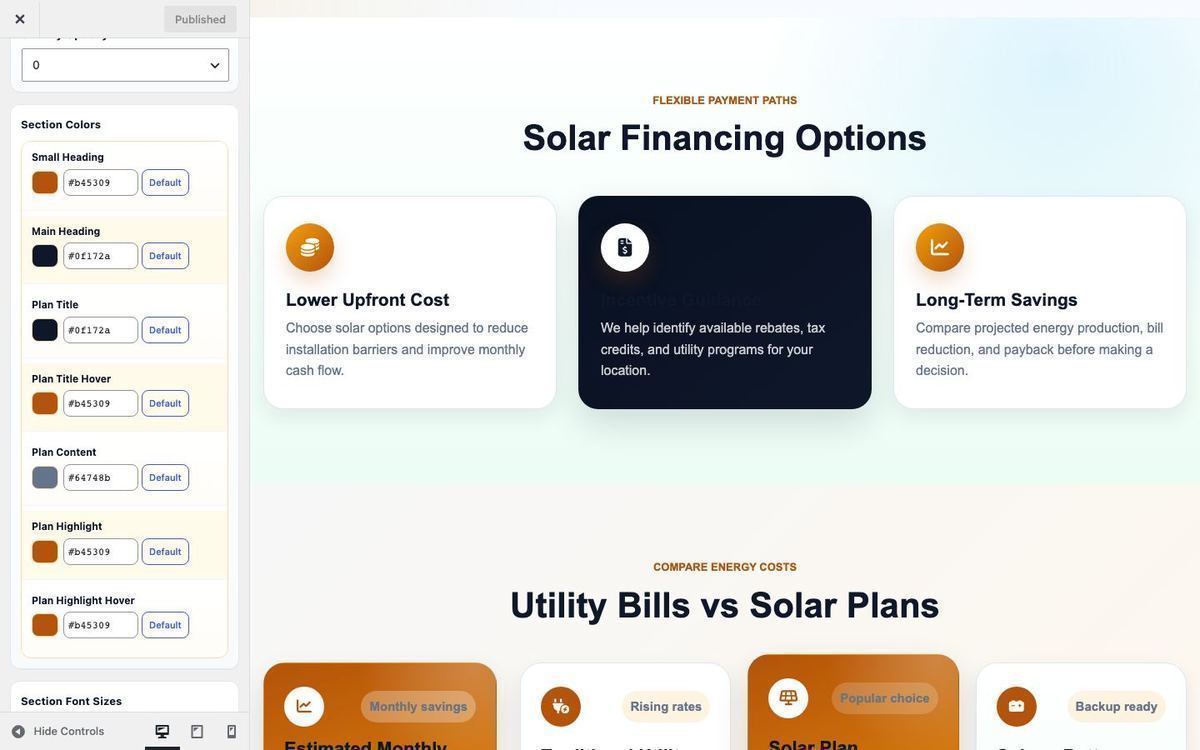
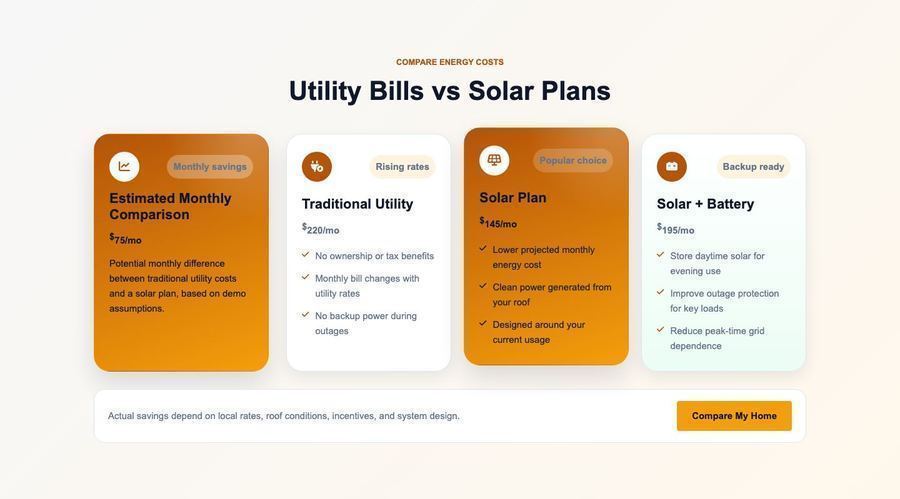
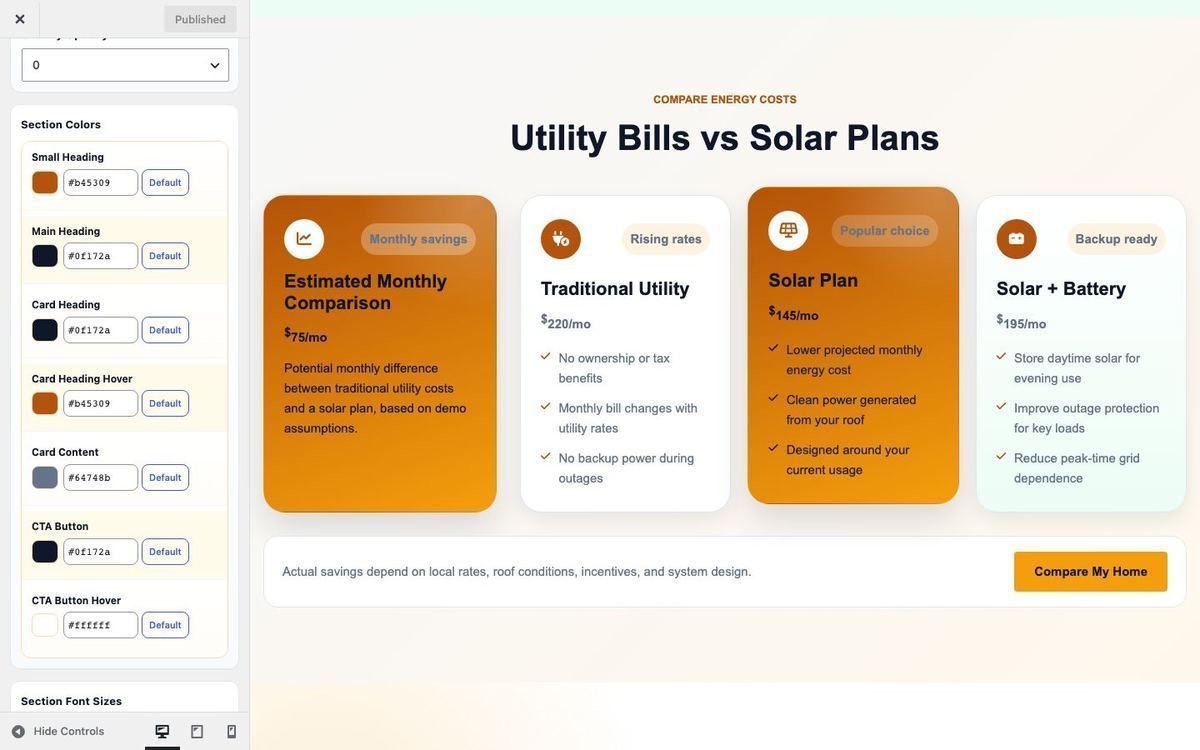
Solar Dynamic Content — Featured Image 600 × 400 px; set group to process, financing, or compare.
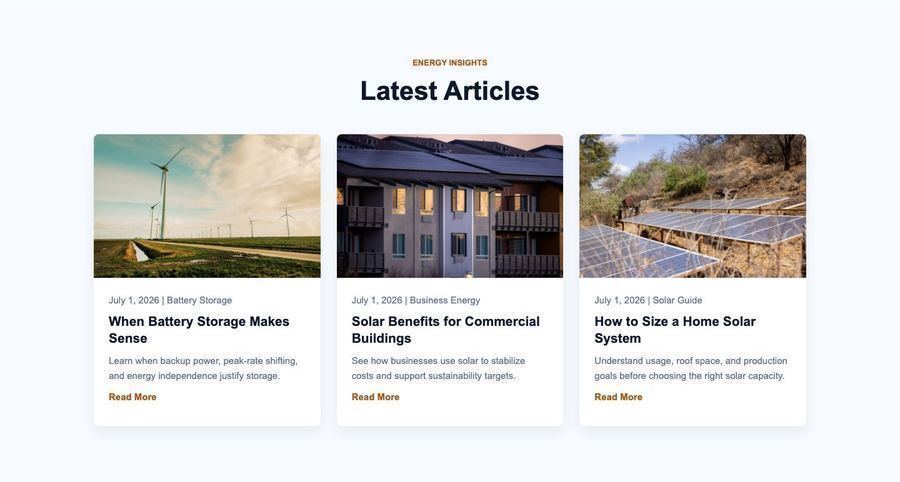
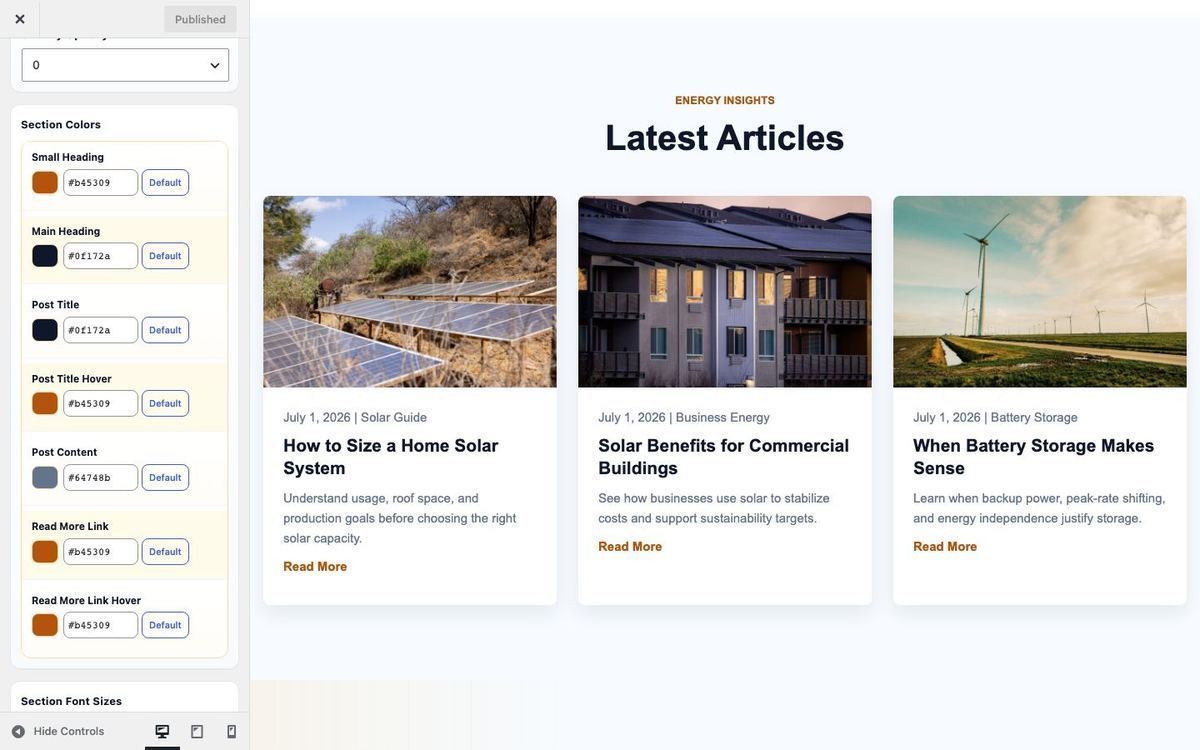
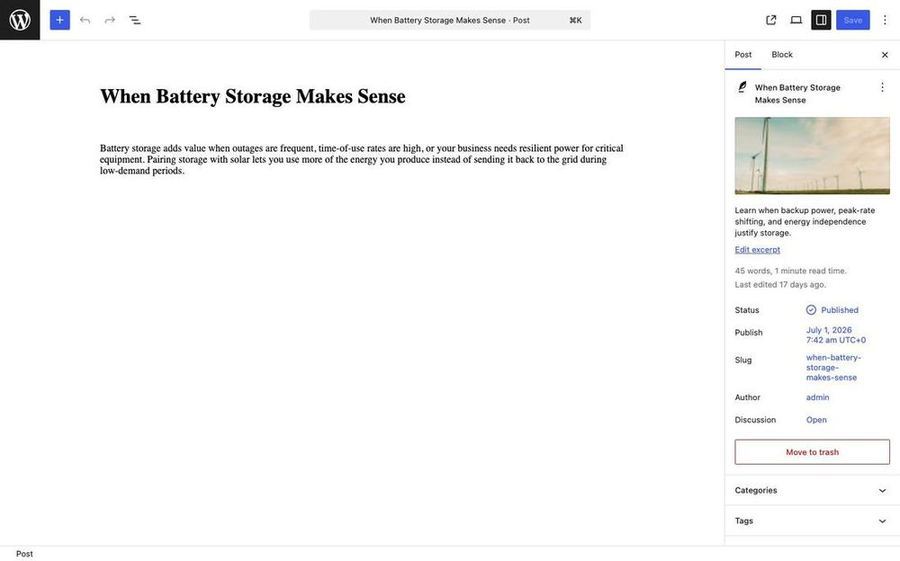
Blog Posts — Featured Image 800 × 500 px
| Content | Recommended Image Size |
|---|
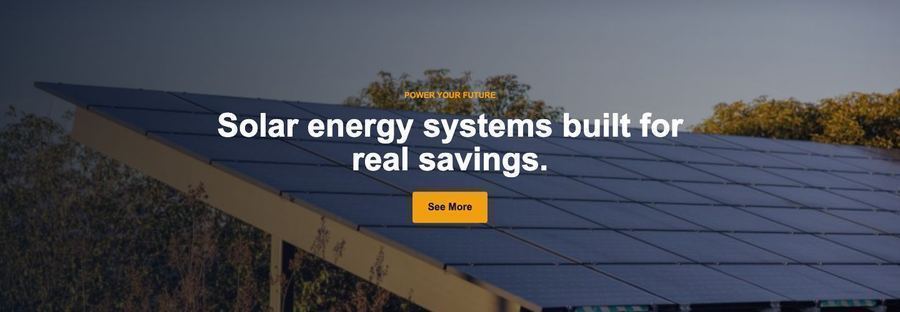
| Homepage Slider | 1920 × 900 px |
| Inner Page Banner | 1920 × 500 px |
| Solar Services | 800 × 560 px |
| Testimonials avatar | 200 × 200 px |
| Project Gallery | 800 × 600 px |
| Blog featured | 800 × 500 px |
| Solar Dynamic Content | 600 × 400 px |
| Why Choose side image | 720 × 900 px |
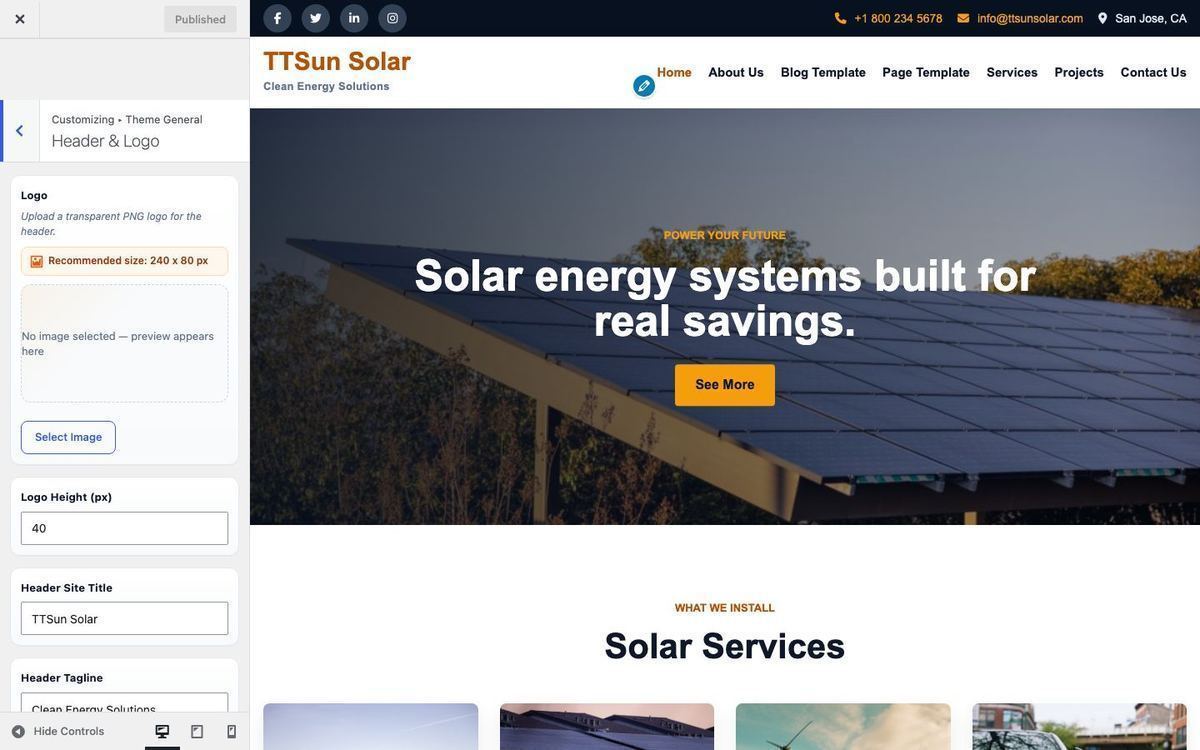
| Logo | 240 × 80 px |